Last updated: November 04, 2026
Quick Answer: Enter each bed separately, then total the square feet before you order.
This page shows how to turn a front bed, side bed, and back bed into one clean multi-bed mulch estimate without losing track of depth or bed size. It explains How to Enter Multiple Beds into One Mulch Estimate in a simple, repeatable way.
Start with one worksheet for all your beds
One worksheet solves the mess. Use a paper sheet, spreadsheet, or mulch calculator form and give every bed its own line before you add anything together.
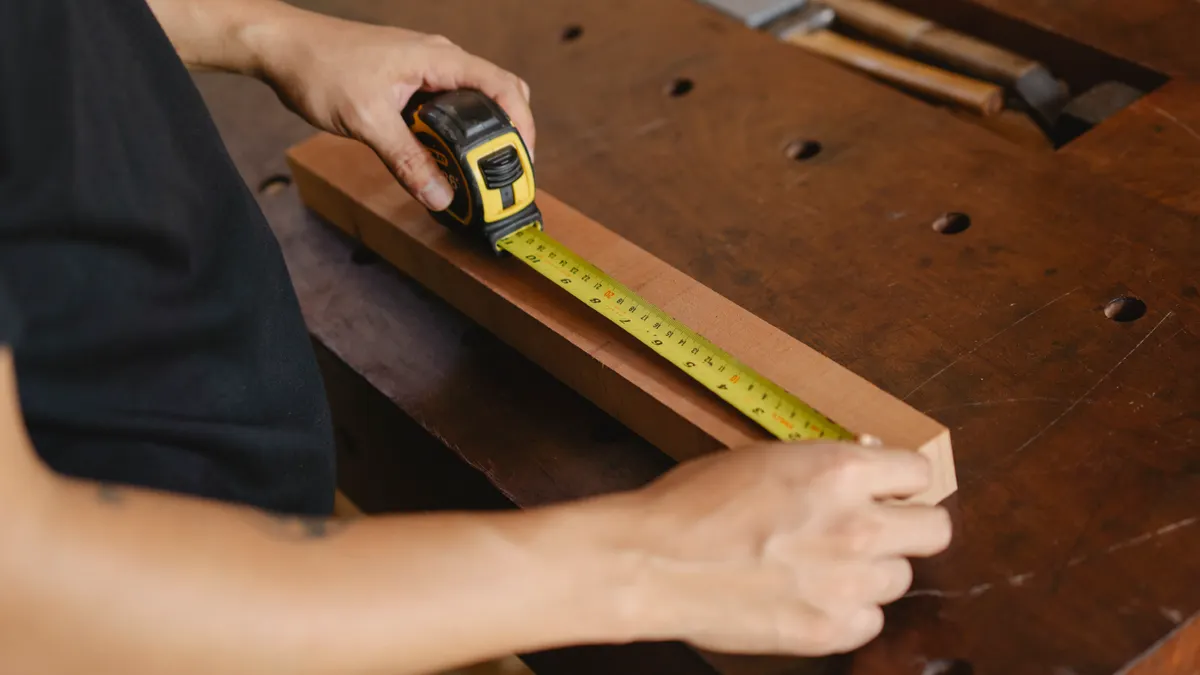
Picture this: you’re standing at the front walk with a tape measure, a pad, and three areas to cover. You want one order, not three guesses, and the worksheet is where that gets sorted out fast.
Write down front bed, side bed, and back bed as separate rows. Then leave room for length, width, depth, and area total on each line.
- Bed name
- Length
- Width
- Depth
- Area
- Notes
If you are using a calculator on a phone, keep the worksheet open beside it. If you are using paper, draw a simple grid with 5 columns so you do not mix one bed into the next.
The best part is that you can still combine everything into one order later without losing the shape of each bed.
How to Enter Multiple Beds into One Mulch Estimate: How do I add separate bed areas?
You add separate bed areas by calculating each bed on its own, then adding the area totals together at the end. That keeps a long front bed from hiding a tiny side bed or a narrow strip along a fence.
Picture this: you are measuring a front bed that runs 18 feet long, a side bed that bends around a porch, and a back bed that sits along the patio. Each one needs its own area line, because the numbers are not the same and the layout is not the same either.
Use the same unit for every bed. If your calculator uses feet, keep everything in feet. If you convert to square feet, do it after each bed is measured.
- Measure the front bed’s length and width with a tape.
- Record those numbers on the worksheet in the front bed row.
- Repeat the same two measurements for the side bed and back bed.
- Calculate each bed’s square feet before you move on.
- Add the area totals into one project total.
A simple worksheet keeps the math clean. A calculator can handle the sum, but it cannot tell you which bed was 42 square feet and which bed was 140.
Group beds by depth before you total anything
Group beds by depth when the mulch depth is different. Keep the beds at the same depth together on the worksheet so you can see which area belongs to which layer plan.
Picture this: you have one front bed that needs 2 inches, a side bed that needs 3 inches, and a back bed that needs 4 inches. If you dump those into one line too early, the estimate gets fuzzy and the order can come out wrong.
This is where the worksheet earns its keep. Make one section for 2-inch beds, another for 3-inch beds, and another for 4-inch beds if your calculator asks for depth. Then total the square feet inside each depth group before you estimate mulch volume.
- Same depth beds go together.
- Different depth beds stay on separate lines.
- The final order can still be one delivery.
- The math stays readable.
The truth is, a clean estimate is mostly an organization job. The numbers matter, but the order you write them down in matters too.
What if the front bed is bigger than the side bed?

That is normal, and you still enter them one at a time. A large front bed does not change the method; it only changes how much of the total comes from that line.
Picture this: your front bed covers most of the curb line, while the side bed is a small strip by the garage. The front bed may look like the main job, but the calculator still wants each bed listed on its own row so the smaller areas do not disappear.
Keep the bigger bed from taking over the worksheet. Put the largest bed first if that helps, or list beds in walking order from front to back. Either way, the sum stays the same.
- Large bed first can make review easier.
- Small bed last can keep the page tidy.
- Order does not change the total.
- Missing a bed changes everything.
A front bed that is 120 square feet and a side bed that is 30 square feet still make one project total. The worksheet is doing inventory, not judgment.
Enter the numbers into the calculator in the same order
Enter the numbers in the same order you wrote them down. That keeps the worksheet and the calculator lined up, so you can spot a typo before it becomes an extra yard of mulch.
Picture this: you have three rows on the worksheet and a calculator form with matching fields. If the front bed is first on paper, put it first in the form. That way the sum on the screen matches the sum on your sheet.
Use a simple pattern: bed name, area, depth, total. If the calculator only asks for square feet, use the area totals you already wrote down. If it asks for bed-by-bed input, fill each bed separately and let the form combine them.
- Open the mulch calculator form.
- Enter the front bed area first.
- Enter the side bed area next.
- Enter the back bed area last.
- Save or print the result if the form gives one.
Now, if you are wondering whether you should round each bed before entering it, keep the math consistent. Round only as the calculator asks, and keep your worksheet notes unchanged so you can trace the result later.
Combine separate beds into one mulch order
Combine the final total into one order after the bed math is done. The order gets placed once, even if the estimate came from three or more beds.
Picture this: you have finished the worksheet, and the calculator shows one total mulch amount for the whole yard. You do not need three deliveries just because you measured three beds. You need one order with one final number.
This is where people mix up measuring and buying. Measuring stays bed by bed. Buying becomes one total based on those beds together.
- Keep each bed’s area on the worksheet.
- Use the combined total for the order form.
- Keep depth notes nearby in case the supplier asks.
- Hold onto the worksheet until delivery shows up.
A clean project sheet also helps if the order gets split later. If a bed changes before delivery, you can point to the row that changed instead of redoing the whole project from scratch.
Common mistakes that throw off a multi-bed estimate
The biggest mistake is adding beds before measuring them. That usually hides a short bed, a curved bed, or a narrow strip that deserves its own line.
Picture this: you are trying to finish before dark, so you guess the front bed and side bed together. The number looks tidy, but the order comes out wrong because the area was never separated in the first place.
Watch for these problems:
- Mixing beds too early — costs you a clean breakdown.
- Using different units — feet on one line, yards on another.
- Skipping the worksheet — makes it hard to check the total.
- Changing the bed order midstream — invites a duplicate or missed line.
Keep the process boring. Measure, record, total, then order. A mulch calculator works best when the person using it does one thing at a time.
The best part is that a good worksheet means you can revisit the estimate later without starting over.
Where this fits in the mulch calculator process
This step belongs after measuring and before ordering. It sits right in the middle of the mulch calculator process, where the raw bed measurements become one project number.
Picture this: you already know the front bed, side bed, and back bed sizes, but you have not placed the order yet. This page helps you turn those separate lines into one clean mulch estimate before you move on to delivery details.
That is why this page sits inside the larger mulch calculator forms and inputs hub. The hub covers the full calculator flow; this page handles the specific job of combining several beds into one estimate without mixing the measuring step with the ordering step.
Use it as a check point. If your worksheet is clear and your calculator matches it, the order stage gets much easier.
Key Takeaways
- List each bed on its own line before you total anything.
- Keep front bed, side bed, and back bed separate until the end.
- Group beds by depth if the calculator asks for that input.
- Add the area totals together only after each bed is recorded.
- One worksheet keeps the estimate readable and the order easier to place.
Should I total all beds before calculating?
Yes, total the beds after you measure them, not before. The cleaner method is to record each bed separately on a worksheet, then add the square feet together when the calculator asks for a project total.
That keeps the front bed, side bed, and back bed from getting blurred into one rough guess. It also makes it easier to spot a missing line before you place the order.
Can different beds use different depths?
Yes, different beds can use different depths if your calculator allows that. Keep those beds on separate lines or separate depth groups so the estimate stays readable.
A 2-inch front bed and a 4-inch back bed should not be forced into one line too early. The worksheet should show the difference before you combine the order.
How do I combine several beds into one order?
Combine several beds into one order by using the final total from your worksheet or calculator. Measure each bed on its own line, add the areas, and use that combined number when you place the mulch order.
The order is one delivery, but the estimate should still show where the number came from. That way you can trace each bed back if you need to adjust the plan later.
Drafted with AI; not yet reviewed by a person.
Leave a Reply