Last updated: November 04, 2026
Key Takeaways
- Pick one unit for bed measurements before you calculate mulch.
- Convert length, width, and depth into the same unit the calculator uses.
- Convert first unless the calculator clearly accepts mixed-unit entries.
- Keep a clean measurement note so mixed units do not lead to a bad order.
Mixed-unit bed measurement is the problem of a bed that comes to you in feet, inches, and notes from different people, and this guide on how to estimate mulch for beds measured in mixed units shows how to turn those notes into one usable format. Convert every dimension to one unit before you calculate mulch, or your estimate will drift. The steps below settle the conversions, the rounding, and the calculator input so you can place the order once. For background on measurement units, see the NIST guide to measurement units.
Start with one unit and stick to it
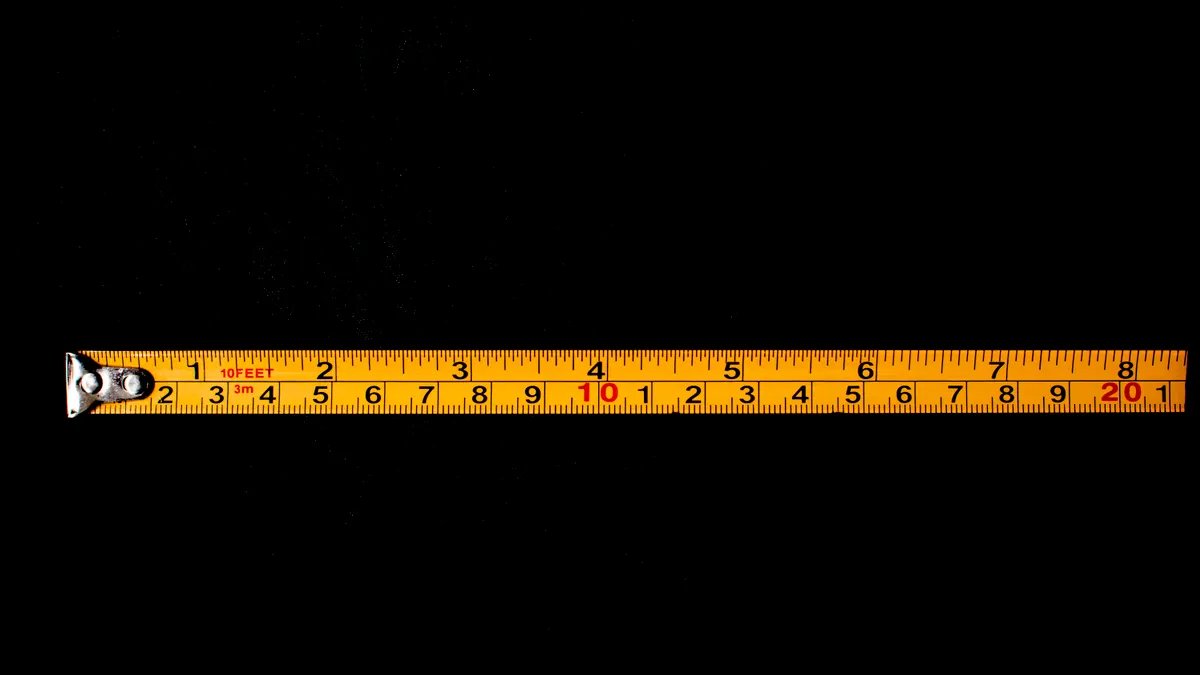
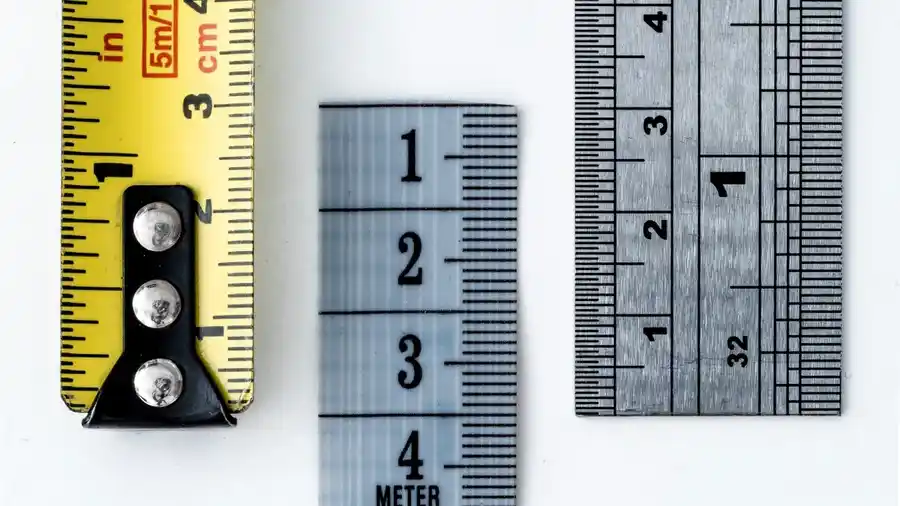
Mixed-unit bed measurement works best when you choose either inches or feet before you do anything else. Picture this: you’re standing by a bed with a tape measure in one hand and old notes in the other, and the lengths don’t match neatly. One note says 12 ft, another says 3 ft 8 in, and the sketch has a side written as 44 in.
The fix is simple. Pick a single unit, write every side in that unit, then feed the same unit into the calculator. That keeps the shape honest.
- Use the tape measure to check each side of the bed again, even if the notes look close.
- Use one unit to rewrite every dimension, such as all inches or all feet.
- Use the calculator to enter the same unit for every side, so the result follows one system.
A mixed-unit bed usually stops being confusing once the notes are clean.
If one source gives feet and inches and another gives metric, make the conversion before you estimate mulch. A bed written as 10 ft by 48 in is not a special case; it is just a mixed note set that needs one clean format.
How do I estimate mulch for beds measured in mixed units?
You estimate it by converting the bed’s length and width into one unit, checking the mulch depth in that same unit, and then using the calculator input format it expects. Picture this: you’re holding a quick sketch that says 9 ft 6 in by 52 in, and you need a number you can trust before you buy mulch.
The truth is, the bed shape matters less than the measurement format. If the calculator wants feet, convert the inches first. If it wants inches, convert the feet first. The math only works cleanly when the units match.
- Use the tape measure to confirm the true length and width of each section of the bed.
- Use a note pad to rewrite every side in one unit, such as 114 in and 52 in instead of 9 ft 6 in and 52 in.
- Use the calculator to enter the converted numbers in the same format it expects.
- Use your mulch depth in the same unit system, so the estimate reflects the layer you want on the bed.
If the bed has bends, keep each straight run as its own line item. A rectangular bed is easy; an L-shape needs separate parts.
Round the numbers the same way every time
Rounding mixed measurements is where many estimates go wrong by a bag or more. Picture this: you’re looking at 7 ft 11 in and debating whether to call it 8 ft or leave the extra inch alone. If you round one side up and another side down without a rule, the result becomes guesswork.
Use one rule for the whole job. Round to the nearest inch before converting, or keep the exact inch count until the end. Avoid switching methods halfway through.
- Round late if you want the closest estimate.
- Round early only if the calculator or worksheet needs whole numbers.
- Keep a note of every rounded side so you can explain the estimate later.
A 1-inch change on a long bed can move the total enough to matter when you order mulch in bulk. It is not huge, but it is real.
Should I convert everything first?
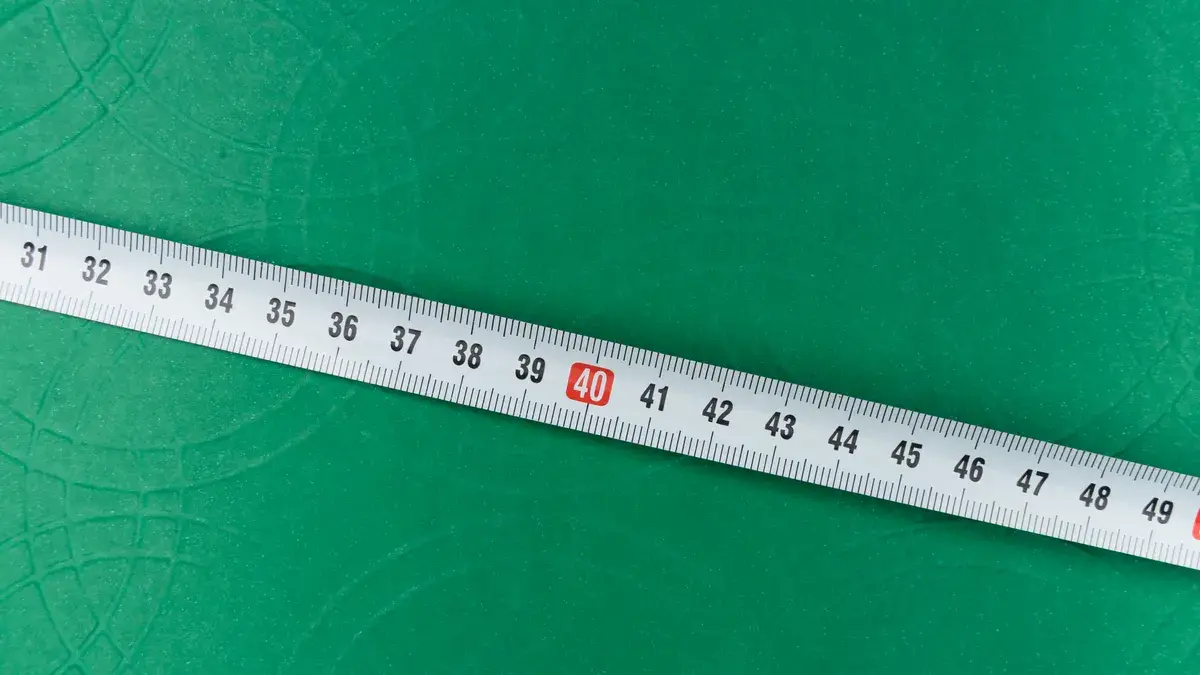
Yes, convert everything first unless the calculator specifically accepts mixed units. Picture this: you’re comparing two measurements from different sources, one in feet and inches and one in centimeters, and you want a fast answer without redoing the math twice. A single-unit sheet makes that easy.
Mixed units are fine in the note stage. They are trouble in the calculation stage. Once you start multiplying length by width by depth, a stray inch can hide inside a foot and quietly change the total.
- Use a conversion note to rewrite metric dimensions into inches or feet before any calculation.
- Use the calculator input field to enter one unit only, not a mix of feet and inches in the same box unless the form clearly allows it.
- Use the same unit for every side of the bed and for the mulch depth.
If your calculator has separate boxes for feet and inches, fill them that way. If it has one box, convert first.
For mixed-unit bed measurement, the safest habit is to make one clean worksheet before you open the calculator. That worksheet becomes your source of truth if you need to check the order later.
Build a clean measurement note before you order
A clean measurement note keeps mixed units from turning into a bad order. Picture this: you’re at the shop with a phone photo, a scrap of paper, and three versions of the same bed. One line says 6 ft 4 in, another says 76 in, and a third says 1.93 m. That is not a measurement system. It is a mess.
Write the note in one format from the start. Put the unit next to every number and label each bed section. If the bed has straight runs, mark them A, B, and C. If one side came from a metric source, convert it and write the converted value beside the original.
Use this layout:
- Section A: 76 in
- Section B: 52 in
- Section C: 34 in
- Depth: 3 in
That kind of note does two jobs at once. It lets you calculate now, and it gives you a clean record if the estimate looks off later.
Bad notes cause more mulch mistakes than bad math does.
If a source gives you feet and inches together, keep the original note, but add the converted value next to it. That way you can trace the number back without remeasuring the bed from scratch.
How do I avoid input errors with mixed units?
You avoid them by matching the calculator’s format exactly and checking every field before you submit it. Picture this: you’re five minutes from ordering, and the form has boxes for feet, inches, and depth, but the labels are small. One misplaced number can change the estimate enough to leave you short.
Read the field labels in order. Some calculators want length in feet and width in feet; some want inches only; some let you enter feet plus inches separately. The form, not your habit, decides the input format.
- Use the calculator labels to see whether each box wants feet, inches, or a single combined number.
- Use one completed line as a test entry if the form looks unclear.
- Use the browser back button or note sheet to check that every field matches your converted measurement.
- Use a second look at the depth field, because that box is often where people type the bed width by mistake.
A 12 ft bed entered as 12 in is the kind of error that feels small and costs mulch.
If the site has a help note on input format, read it before you order. Some forms accept decimal feet, while others do not. If the calculator is ambiguous, do not guess.
What mistakes cost the most mulch?
The biggest mistakes are inconsistent rounding, mixed-unit input, and depth written in the wrong unit. Picture this: you’re estimating a bed that runs 10 ft by 4 ft, but one side was rounded up, the other was left exact, and the depth got typed as 3 ft instead of 3 in. The estimate will miss by a lot, even if the calculator is working fine.
The cost is either too little mulch or too much unused mulch. Too little leaves the bed thin and patchy. Too much leaves you with bags or bulk material you did not plan to store.
-
Mistake: rounding one side to whole feet and leaving another in inches.
Cost: the total shape changes.
Fix: round with one rule across the whole bed. -
Mistake: entering a mixed note like 8 ft 6 in into a single-number field.
Cost: the calculator may read it wrong or reject it.
Fix: convert first, then enter one unit. -
Mistake: typing mulch depth as feet when the form expects inches.
Cost: the estimate can jump far beyond the bed’s real need.
Fix: label the depth separately in your note.
If the bed has more than one section, estimate each section separately and add them together. That keeps one odd angle from distorting the whole job.
Mixed units, metric notes, and the calculator form
Mixed units are fine as long as they end up in one calculator format. Picture this: you’re holding a tape measure that shows inches, a sketch from someone who thinks in feet, and a note from a landscape plan that uses metric. The trick is not to choose the prettiest note. The trick is to make them agree.
Convert metric into the same working unit before you calculate. Then keep that unit through the full estimate, from bed length to width to mulch depth. If the calculator accepts only one system, follow the system on the form and convert everything else. For a quick reference on metric conversions, the NIST measurement units page is a reliable source.
A good habit is to keep two lines in your notes: the original measurement and the converted one. That helps when a contractor, neighbor, or garden center asks where the number came from.
- Original: 1.8 m
- Converted: 71 in, or the nearest unit your form accepts
- Label: bed side, not depth
A clean note sheet makes later checks fast.
For a broader walkthrough of the forms and fields, the hub on mulch calculator forms and inputs sits above this page in the site structure. This page handles the mixed-unit problem; it does not replace the whole calculator guide.
Quick check before you place the order
A final check saves the most headaches. Picture this: you’re one click from sending the order, and the numbers are already in the form. Before you commit, compare the written note, the converted unit, and the calculator boxes line by line.
Use this last pass:
- Check the unit: feet, inches, or metric, but not a mix inside one field.
- Check the depth: make sure the mulch layer is the number you meant, not the bed width.
- Check the shape: confirm whether the bed is one rectangle or several sections.
- Check the rounding: keep the same rule from start to finish.
If those four points line up, the estimate is ready. If one does not, fix it before you order.
What if my bed measurements are in feet and inches?
Convert them to one unit before you calculate. That can mean all inches or all feet, depending on the calculator form. The mixed-unit note is fine for the sketch, but the calculation should use a single format so the result stays consistent.
Should I convert everything first?
Yes. Convert everything first unless the calculator clearly accepts mixed fields for feet and inches. A single unit makes it easier to spot errors, compare sections, and check the final estimate against your notes.
How do I avoid input errors with mixed units?
Match the calculator’s field labels exactly and read the depth box twice. A lot of errors come from putting a mixed note into a single field or swapping the depth with the bed width. One clean worksheet before you type anything helps more than any shortcut.
Drafted with AI; not yet reviewed by a person.
Leave a Reply