Last updated: November 04, 2026
Key Takeaways
- A mulch estimate record keeps numbers and context together so future reorders start from facts.
- Set it up with one clean entry before delivery.
- Keep the original estimate and revisions side by side.
- Tie the project to a specific product and yard condition.
A mulch estimate record for How to Keep a Mulch Estimate Record for Future Reorders keeps the next order honest, because it preserves the bed dimensions, depth, and product type you already used.
Save the estimate record in one place, then update it every time the project changes.
The steps below show exactly what to keep, what to label, and how to reuse it without starting from scratch.
What to save in a mulch estimate record

A good mulch estimate record keeps the numbers and the context together, so the next reorder starts with facts, not guesses. If you save the bed dimensions, depth, and product type on the same page, you can reuse the record months later and still know what you meant.
Picture this: you’re standing in the yard with a phone in one hand and a receipt in the other, trying to remember which bed got the double-shredded cedar and which one got the dyed brown. The fix is simple. Keep one project note with the order details and one revision line for every change. That saves time later.
Write down these items the same day you place the order:
- Bed name or location, such as front border, east side bed, or mailbox strip
- Bed dimensions in feet or inches
- Target depth, such as 2 inches or 3 inches
- Product type and color
- Bagged or bulk order
- Supplier name
- Date ordered
- Receipt number or quote number
- Any special notes, such as “top off only” or “under maple tree”
If you want a record you can actually use, keep the format plain. A note app, spreadsheet, photo album, or paper folder all work. The key is consistency, not software. For more on organizing project records, see the National Association of Landscape Professionals and University of Florida IFAS Extension.
A messy note is worse than no note.
You’ll reread it later.
How do I set up the record the first time?
You set it up by writing one clean entry before the mulch is delivered. That first entry should read like a short project file, not like a shopping list.
Picture this: you’ve just approved the estimate, and the order is still fresh in your head. This is the moment to capture the details that vanish first, like the exact depth and the product style. If you wait until after spreading day, one missing line can force a full remeasure.
Use this simple order when you create the record:
- Open a note app, spreadsheet, or folder and name it with the property and season, such as “Back yard mulch 2026.” That makes the record easy to find later.
- Enter the bed dimensions for each area, one line at a time. Keep feet, inches, or both, but don’t mix styles inside one record.
- Add the depth you planned to apply, such as 2 inches for a light refresh or 3 inches for a heavier top-off.
- Write the product type exactly as sold, including color, texture, or blend if that matters to the look.
- Attach the estimate or receipt as a photo or PDF, then add the quote number in the note itself.
- Add one photo of the bed before the order arrives, so the record shows the layout tied to the numbers.
- Save the supplier name and date next to the order details so you can match the same product later.
Here’s the catch: the record only works if it is readable in 30 seconds. If you need to decode your own shorthand, it’s not finished.
A solid first entry usually fits on one screen.
That’s the target.
How do I track revisions without losing the original estimate?
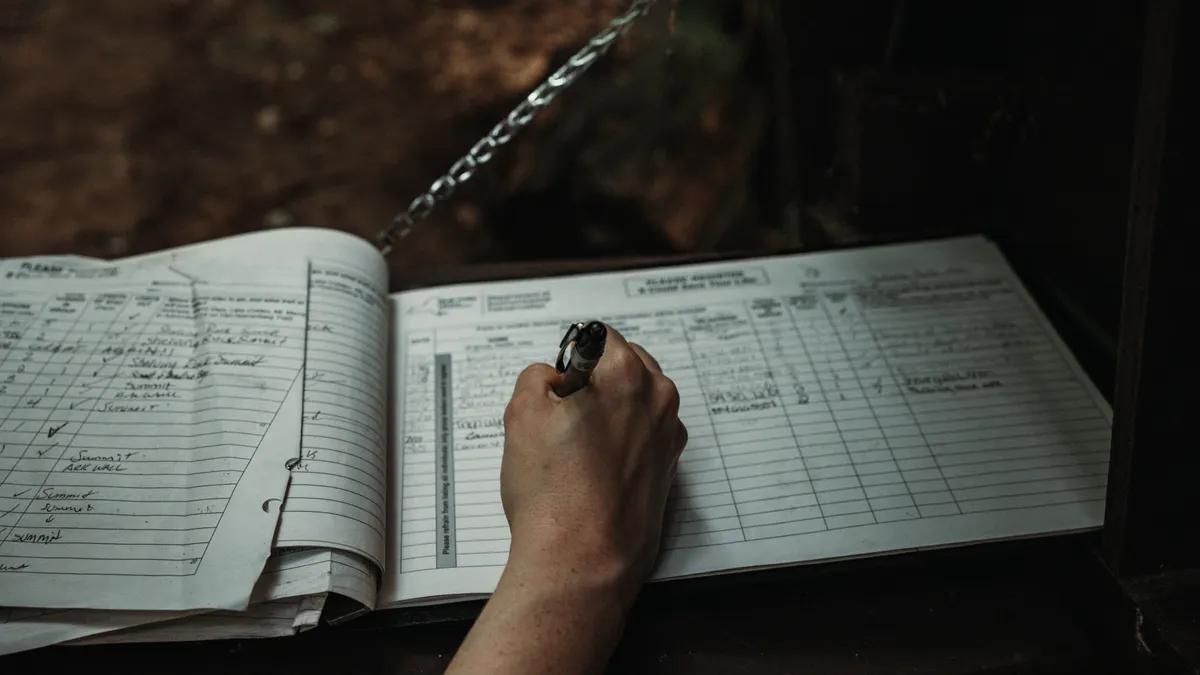
You track revisions by keeping the original estimate and the changed estimate side by side. Never overwrite the first version, because the original tells you what was ordered, while the revision tells you what actually changed in the yard.
Picture this: the beds settle, a shrub gets moved, or one corner gets expanded by 12 inches. Those small changes can shift the next reorder, especially if you are planning around the same supplier and product. If the old numbers disappear, the next estimate starts from a blank page.
Use a revision line for each change:
- Original estimate: the first measured dimensions and depth
- Revision 1: what changed and why
- Revision 2: any later update
- Final applied note: what went into the ground
Keep each revision short. A line like “north bed extended 18 inches after edging” tells the story. A vague line like “changed a little” does not.
A date helps here. Even just April 2026 or 8/14/26 gives you a timeline. Without that, you won’t know whether a change happened before delivery, after spreading, or after a later cleanup.
A revision trail protects you from repeating a bad estimate.
It also makes later reorders easier.
What details make a reorder easier next season?
The details that make a reorder easier are the ones that tie the project to a specific product and a specific yard condition. Save the product type, depth, and bed history, because those three items usually decide whether the next order is close or off by a lot.
Picture this: the same front bed looks smaller in winter and fuller in summer. If you only saved a total yardage number, you may not remember whether that total was for 2 inches, 3 inches, or a mix of both. The record should tell you what the number meant.
Include these reorder notes:
- The brand or product description, if the supplier uses one
- The exact color or mix
- Whether the last order was bagged or bulk
- Whether the last application was a full refresh or a top-off
- Which bed areas needed more or less material
- Any spots where mulch moved fast, such as slopes or downspout zones
- Whether the look was too thick, too thin, or just right
If you keep a project note with photos, label them by bed. A simple file name like “side bed after spread” is better than “image 43.” That way, you can compare the current bed to the last one without hunting through a camera roll.
Reorder notes should also include what you would repeat.
That single line saves real time.
Common mistakes that make mulch records useless
The most common mistake is saving only the total order and skipping the bed-level details. That creates a record that looks complete but fails when you try to reorder a single section later. You’ll know you bought “6 yards,” but you won’t know where it went or what depth it covered.
Picture this: you open last year’s note and find one line that says “mulch ordered.” That line helps nobody. A reorder needs enough detail to match the new project to the old one, and the missing pieces cost time, extra measuring, or a second guess at the quantity.
Watch for these failures:
- No bed dimensions: you can’t scale the next order to a changed layout
- No depth: you can’t tell if the original was 2 inches or 3 inches
- No product type: you may reorder the wrong texture or color
- No date: you can’t tell which season or project version the note refers to
- No revision history: you lose track of what changed after the first estimate
The fix is not fancy. One note, one folder, or one spreadsheet tab is enough if it has the right fields and gets updated every time. If you prefer paper, keep the receipt and a sketched bed map in the same envelope.
Don’t store the record in three places.
That causes drift fast.
Keep photos, receipts, and notes together
You keep photos, receipts, and notes together by giving them the same project name and the same date stamp. The record gets more useful when the image, the quote, and the measurements can be matched without searching through old files.
Picture this: you know the supplier, but not the exact bag count or the bed that was doubled up near the fence. A photo can settle that quickly, but only if it sits beside the estimate record instead of floating in a random camera roll.
A simple structure works well:
- Folder name: property + season
- Note title: mulch estimate record
- Receipt file: quote or invoice
- Photo set: before, during, after
- Change log: each revision with a date
If you use a phone, create one album for each project. If you use paper, staple the receipt to a printout of the note or keep them in a folder with tabs. The method matters less than the habit.
This also helps when the same bed gets touched up later in the year. You can open the record, see the original product type, and compare it to the current bed without guessing. The page is part of the larger mulch order validation and correction process, so this record should support that work, not replace it.
Keep the record where you will find it in 6 months.
That’s the real test.
A simple mulch estimate record format you can copy
A simple format works because it keeps the same fields in the same order every time. That makes old estimates easy to scan and compare, especially when you have more than one bed or more than one reorder.
Picture this: you want to place a new order and only have five minutes before the supplier closes. If the old estimate is set up the same way each time, you can read it line by line and pull the numbers you need without rebuilding the whole project.
Use a format like this:
- Project: Front yard mulch
- Date: 5/12/26
- Supplier: [Name]
- Bed dimensions: 18 ft x 4 ft; 12 ft x 3 ft
- Depth: 2 inches
- Product type: shredded hardwood, dark brown
- Order type: bulk
- Estimate note: top-off only
- Revisions: back bed widened 1 ft on 5/20/26
- Photos: before and after saved in project folder
- Reorder note: same product, same depth, front bed held color well
That kind of record stays useful because it carries the story with the numbers. It tells you what was ordered, what changed, and what should stay the same next time. For measurement guidance, see This Old House and Extension at the University of Massachusetts Amherst.
The truth is, the best mulch estimate record can be boring.
That’s a compliment.
What should I save from a mulch order?
Save the bed dimensions, depth, product type, supplier name, date, and any revision notes. Those details let you rebuild the estimate later without remeasuring from scratch. If you also keep the receipt number and a before photo, the record becomes much easier to trust.
How do I reuse a past estimate?
Reuse a past estimate by starting with the last saved dimensions and then checking whether the bed layout changed. If nothing changed, the old depth and product type can guide the new reorder. If the bed changed, update the revision line first and then recalculate.
Should I keep a record of depth and product type?
Yes, keep both every time. Depth changes the amount needed, and product type changes the look and feel of the bed. A record with only one of those fields is incomplete, and it can lead to the wrong reorder later.
Drafted with AI; not yet reviewed by a person.
Leave a Reply